Let’s talk about a little website magic that makes things run faster, smoother, and smarter…
It’s called caching, and if you’ve ever clicked a website and thought, “Wow, that loaded fast!” you’ve probably seen it in action.
So what exactly is caching? And why should you care if your site has it?
Let’s break it down.
Caching, Explained in Plain English
Every time someone visits your website, their browser has to “build” the page, loading your images, text, styles, and scripts from scratch.
That takes time. And if your site is a little heavy (hello, gorgeous photos and plugins), it can slow things way down.
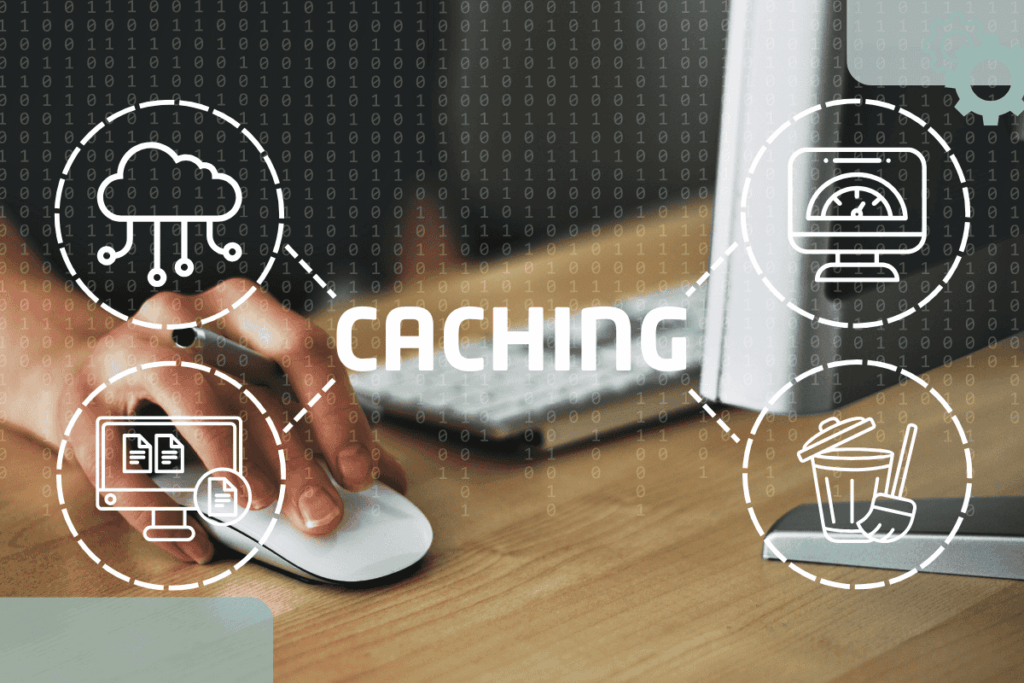
Caching is like saving a snapshot of your site so the browser doesn’t have to rebuild everything from zero every time someone visits.
Instead of:
“Hold on, let me fetch everything for this page…”
It’s more like:
“Oh, I already have this saved, here you go!”
Faster load time = happier visitors = better results.
Why Caching Matters for Small Business Websites
You’ve got a lot going on. And your website should not be one more thing slowing you down, or scaring away potential clients because it takes forever to load.
Here’s what caching helps with:
- Faster page speed (especially on mobile)
- Better user experience
- Lower bounce rates (people won’t click away so fast)
- Improved SEO (Google rewards speed!)
- Peace of mind knowing your site is working smarter
How to Add Caching to Your Website
If you’re using WordPress, there are some excellent caching plugins that do the job beautifully. A few favourites:
- WP Rocket (paid, but powerful and beginner-friendly)
- W3 Total Cache or LiteSpeed Cache (free options)
- SiteGround Optimizer (if you use SiteGround hosting)
And if I manage your Hosting + Maintenance, caching is already included in your setup, because performance is part of what I prioritize.
Bonus Tip: Clear Your Cache When Updating
Sometimes when you make changes to your site (like updating your homepage) and don’t see them right away, it’s because your browser or caching plugin is still serving the “old” snapshot.
Just hit clear cache in your plugin settings or browser, and you’re good to go!
Caching Is Your Website’s Secret Weapon
Caching might sound techy, but it’s really just a behind-the-scenes boost that makes your site faster, smoother, and more enjoyable for the people trying to hire you.
Not sure if your website has caching set up, or if it’s working the way it should?
That’s what I’m here for.
text
text